


Claim MEMBER Listing
Now we are ready to Claim Your Listing. To do this you must search for your MEMBER Listing that is already in the Lebanon Wilson Chamber website. Go to the Directory – Search Directory Menu Option to commence your search or CLICK HERE – (Be sure that your are logged in to the website before proceeding).

Once you find your record click on the top line (heading for the listing) to get to the full detail of the listing:
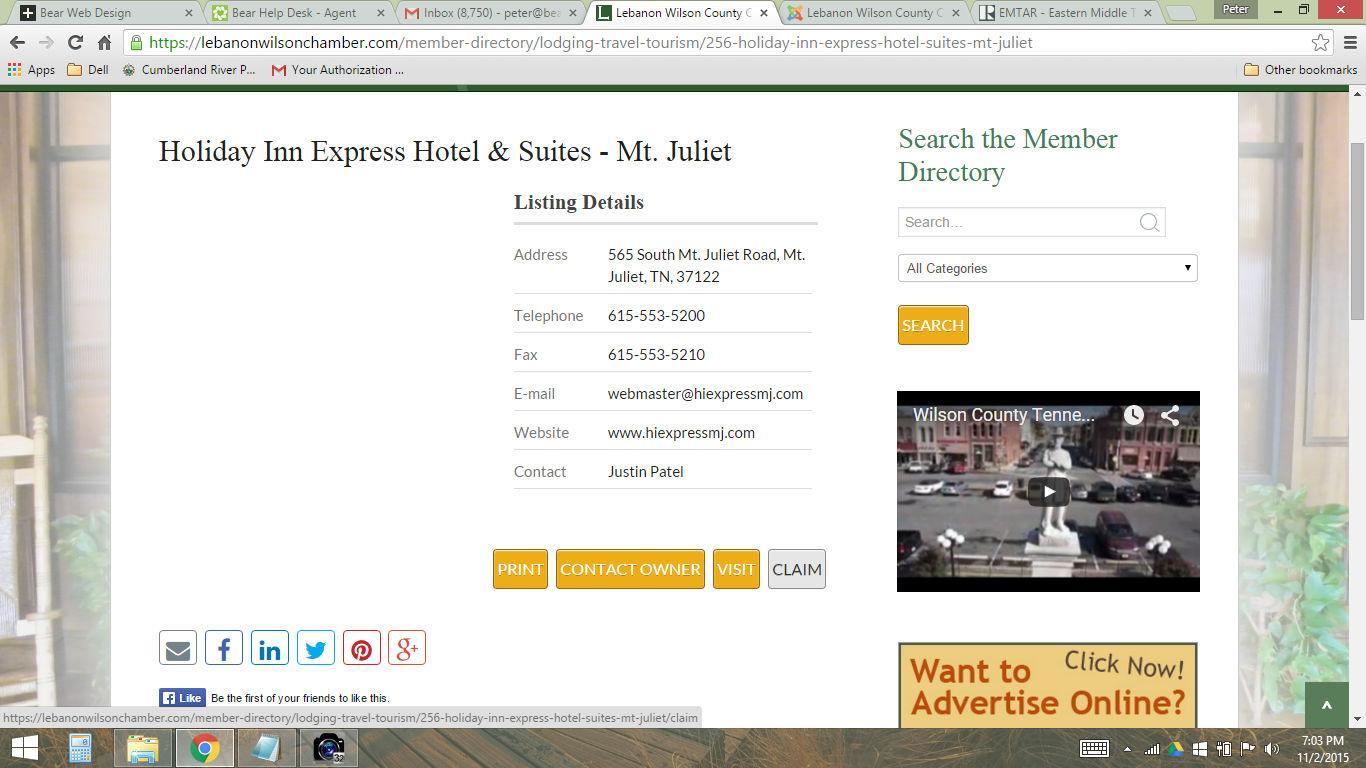
Once you hit claim you will be prompted to add a message to your request. If you do not see this screen (and are asked to login please do so) – you must be logged in during this process to claim your listing.
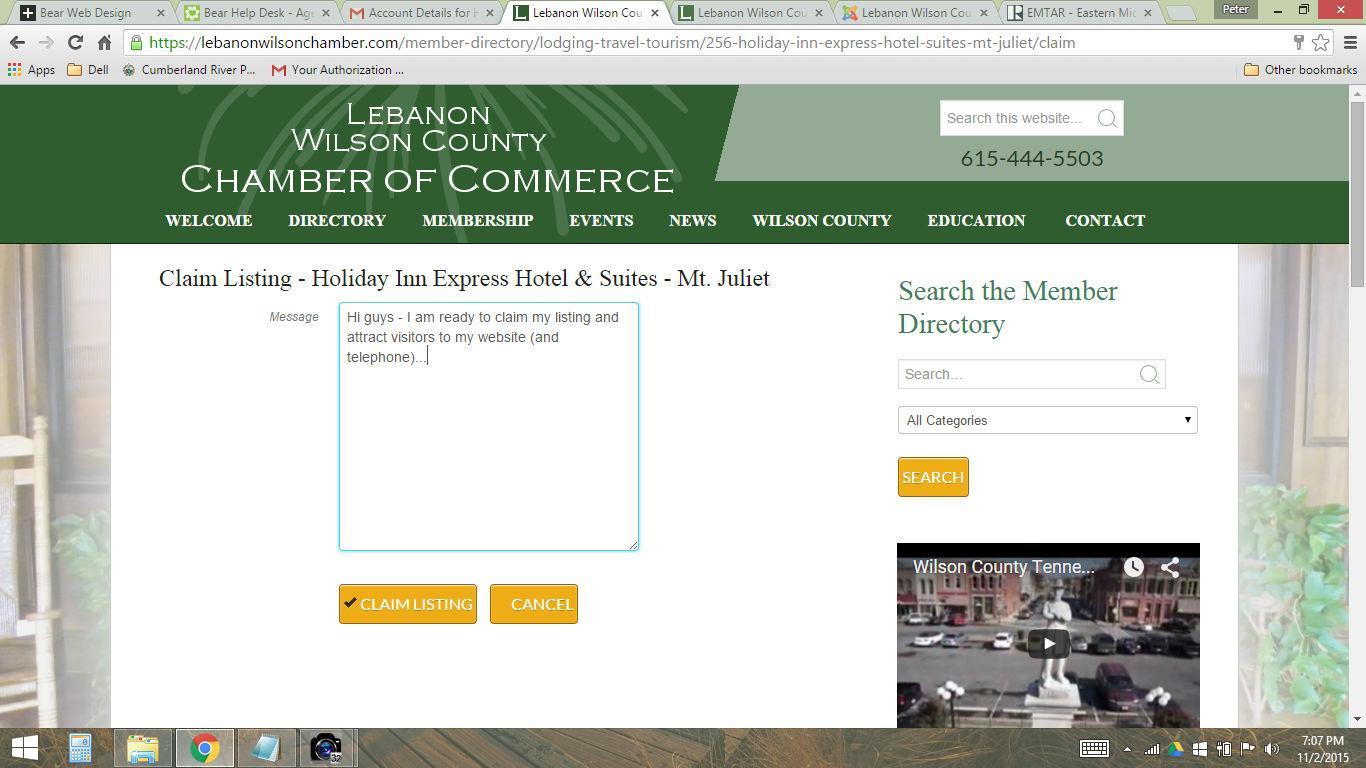
Once you send this claim our Webmaster will receive a copy and verify and approve your account. When you have been approved you will receive a final e-mail confirming your success:
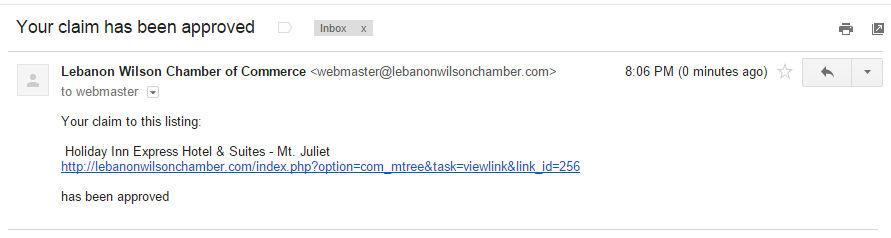
You are now ready to update your record to complete this process.